All work Password manager and generator, Android
CryptKey
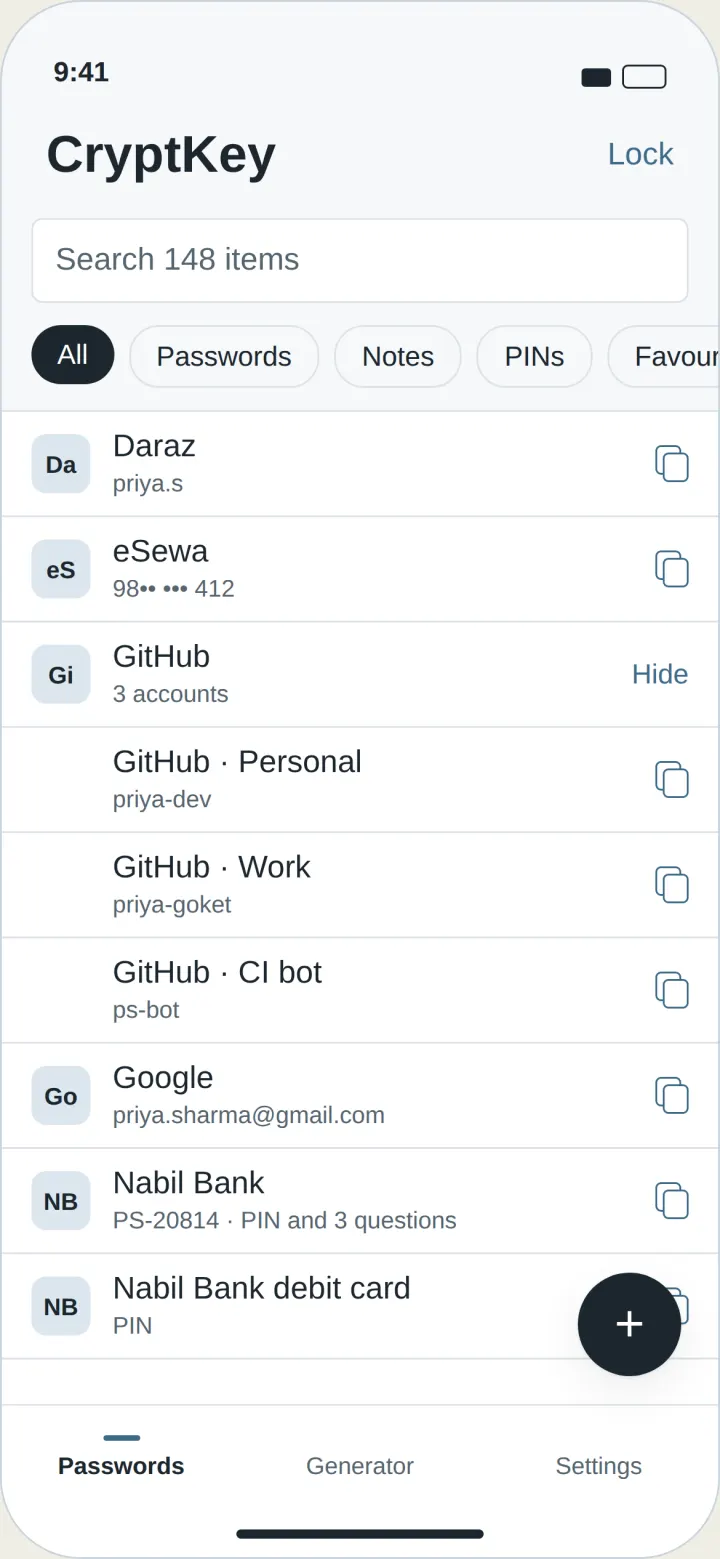
You own the vault: it lives in your Google Drive, not on my server
-
Why I built a password manager
Google Password Manager warned me that one of my saved passwords had appeared in a data breach. It made me think about where my passwords actually live and who controls them. I wanted to understand how a password manager works from the inside, and to build one where the vault stays with the user instead of on a company’s server.
-
Building a vault with no server
- Vault stored in the user’s own Google Drive. There is no CryptKey server, so there is nothing of mine to hack
- Password generator for strong passwords
- Import from other password managers, so switching is easy
- Designed the UI with no design background, testing and redesigning until it felt simple to use
- Moved storage from my own database to the user’s Drive, removing the backend entirely
- My first app on the Play Store, published and maintained by me. The latest update supports Android’s 16 KB memory page size
Flutter, Dart, Google Drive API, Android
-
Where CryptKey is now
- Live on Google Play
- No server holding anyone’s passwords
- Kept current with Google’s requirements
Have an app to build?
Start a project